
Audio & voice · Planned
Give your story a voice.
Audio is planned to cover narration, character voices, music and sound effects, so a directed production can be finished in one place.
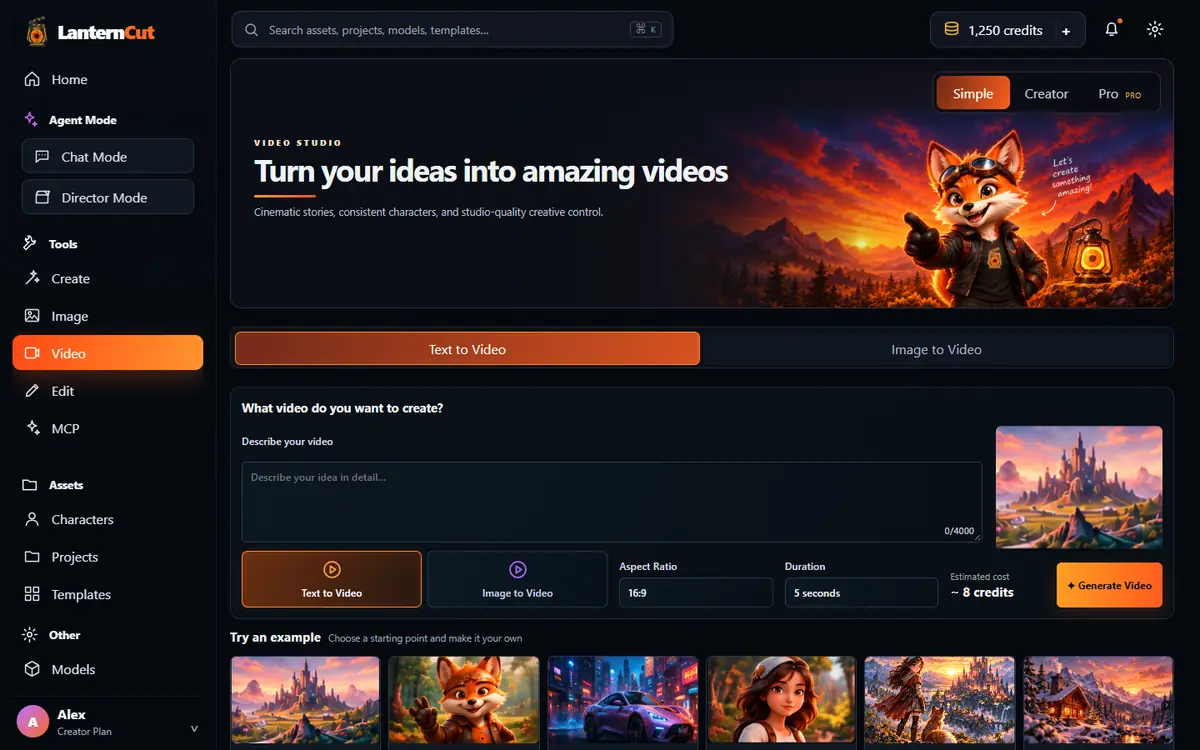
Preview. AI generation is not connected yet. Everything described here is how LanternCut is designed to work; screenshots show the interface preview with sample data.
What it is designed to do
Audio & voice in LanternCut
Narration and dialogue
Text-to-speech voices for narrators and characters.
Voice design and cloning
Design a new voice, or clone a voice only with recorded consent.
Music and songs
Generate background music for a scene or a whole episode.
Sound effects and lip sync
Add effects and match mouth movement to dialogue.
How it works
Four steps.
Planned audio models include LanternCut Open models such as Qwen3-TTS, CosyVoice3, Chatterbox and ACE-Step, and premium voice APIs. See the audio catalogue.
Write the lines
Script narration or dialogue per scene.
Pick a voice
Choose, design or (with consent) clone a voice.
Add music and effects
Score the scene.
Sync
Line up audio with the shot.
Simple · Creator · Pro
Same tool, three levels.
Switch level inside the workspace. Levels are interface depth, not prices.
| Simple | Creator | Pro |
|---|---|---|
| Pick a voice and music mood | Per-scene voices, music and effects | Lip sync, timing and advanced voice settings |
Questions
Questions about Audio & voice
Can I clone my own voice?
Voice cloning is planned with a consent attestation. You may only clone a voice you own or have written permission to use.
Is audio in the preview?
Audio controls appear in parts of the interface preview. Audio generation is planned and not connected.
Try LanternCut with a demo account.
When generation goes live, the demo account gives you 1 image and 1 five-second video on LanternCut Open models. Until then, explore the interface preview.