
Use case · Educators
Lessons that
tell a story.
Students remember stories. LanternCut is designed to turn a lesson into a short illustrated story or explainer, with friendly recurring characters and narration.
Preview. AI generation is not connected yet. Everything described here is how LanternCut is designed to work; screenshots show the interface preview with sample data.
The problem
What gets in the way
- Making engaging visuals without design skills
- Keeping a class mascot or guide character consistent
- Adding narration to slides or short videos
Suggested interface level: Simple.
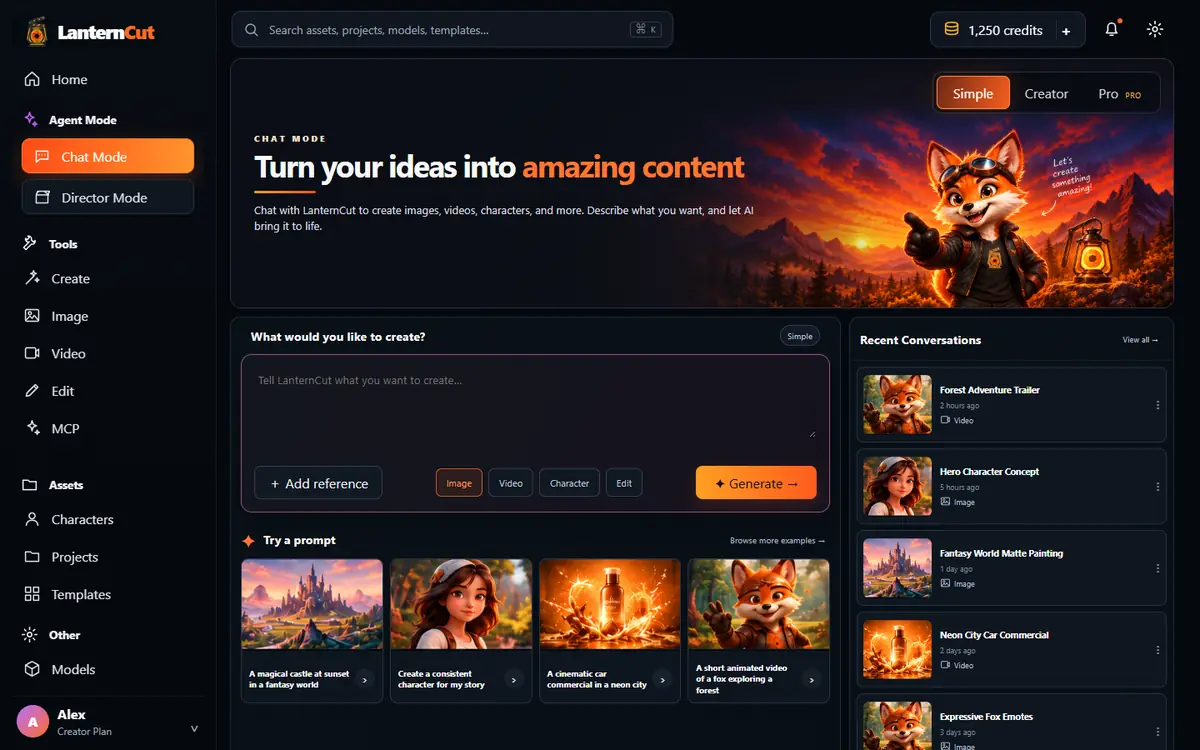
How LanternCut is designed to help
A directed workflow.
LanternCut is not designed for children to use directly; accounts will require an adult. Check your school's policies on AI tools.
Write the lesson
Paste the key points or a short script.
Plan the story
The director turns it into scenes with a guide character.
Draft visuals
Review images and short clips.
Narrate and export
Add narration and export for class.
Questions
Common questions
Other use cases
Is there education pricing?
Not yet. Launch pricing is on the pricing page; for education pricing, tell us what you need at hello@lanterncut.com.
Can students use it?
Accounts will be for adults. Age requirements will be set in the final terms.
Try LanternCut with a demo account.
When generation goes live, the demo account gives you 1 image and 1 five-second video on LanternCut Open models. Until then, explore the interface preview.